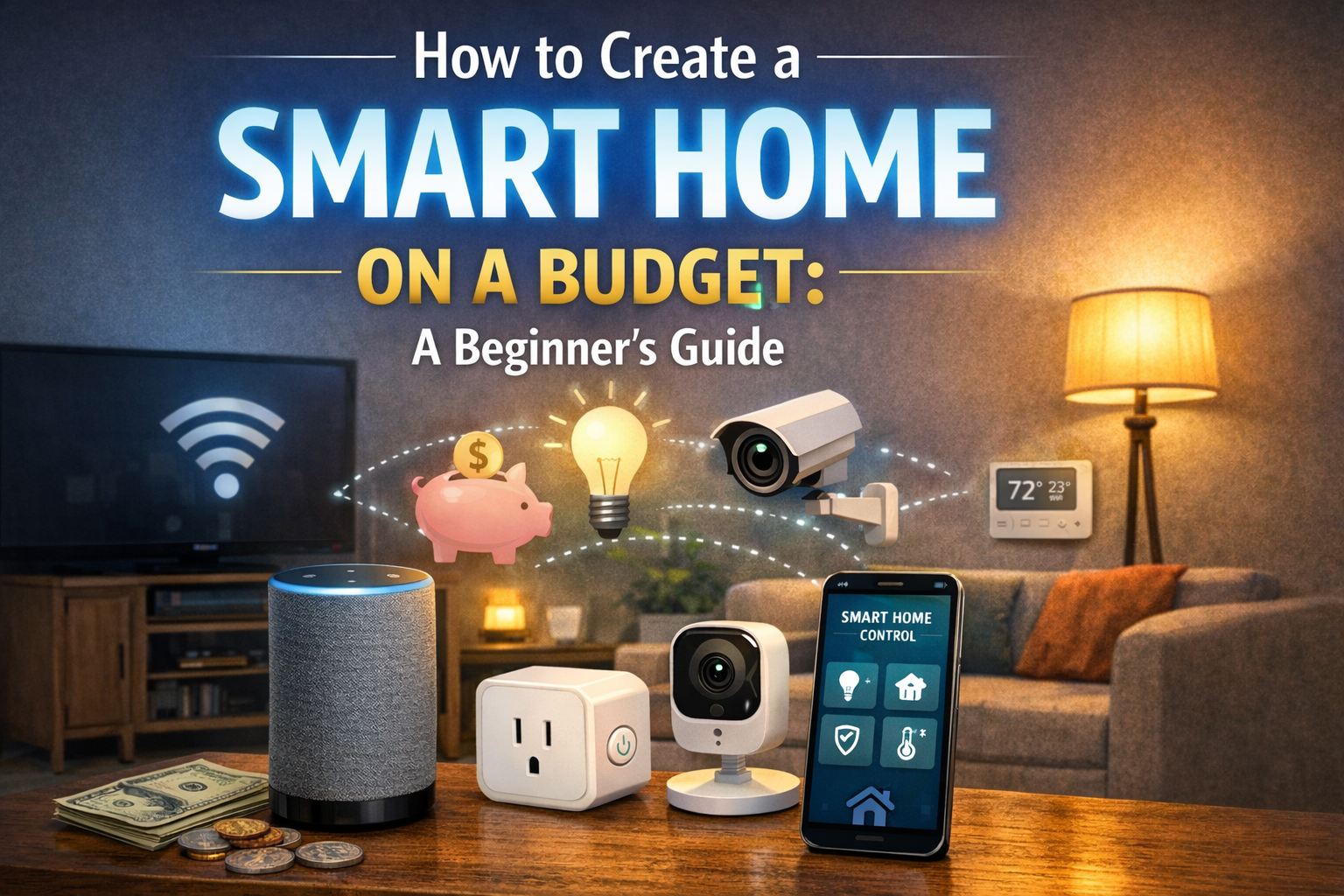
The idea of a smart home might seem expensive and complicated, but creating an intelligent, connected living space doesn’t require a massive budget or technical expertise. With strategic planning and smart purchasing decisions, you can gradually build a functional smart home that enhances convenience, security, and energy efficiency without breaking the bank. This beginner’s guide will show you how to get started with smart home technology on a budget.
Understanding Smart Home Basics
A smart home uses internet-connected devices to enable remote monitoring and management of appld systems. These devices communicate through your home Wi-Fi network and can be controlled via smartphone apps, voice commands, or automated routines. The key to building a budget-friendly smart home is starting small, focusing on high-impact devices, and expanding gradually.
Step 1: Assess Your Needs and Priorities
Before purchasing any devices, identify which aspects of your home life would benefit most from automation. Common priorities include:
- Security: Monitoring your home when away
- Energy Efficiency: Reducing utility bills
- Convenience: Automating routine tasks
- Entertainment: Enhancing audio/visual experiences
- Comfort: Optimizing temperature and lighting
Focusing on your top priorities ensures you invest in devices that provide immediate value rather than accumulating gadgets you rarely use.
Step 2: Start with Smart Plugs (Budget: $10-30 each)
Smart plugs are the most affordable entry point into smart home technology. These devices convert any traditional appliance into a smart device, allowing remote control, scheduling, and energy monitoring. Use smart plugs for:
- Lamps and lighting fixtures
- Coffee appliances
- Fans and space heaters
- Entertainment systems
Budget Tip: Purchase multi-packs of smart plugs for better value, and look for models compatible with major voice assistants (Alexa, Google Assistant) for future expansion.
Step 3: Add Smart Lighting (Budget: $15-50 per bulb/strip)
Smart lighting offers with minimal investment. Smart bulbs allow you to:
- Control brightness and color from your phone
- Set schedules for automatic on/off
- Create scenes for different moods and activities
- Integrate with voice assistants for hands-free control
Budget Tip: Start with smart bulbs in frequently used rooms (living room, bedroom) rather than replacing every bulb at once. LED smart bulbs also reduce energy costs, paying for themselves over time.
Step 4: Invest in a Smart Speaker (Budget: $30-100)
A smart speaker with voice assistant serves as your smart home’s central hub, allowing voice control of connected devices. Budget-friendly options from Amazon (Echo Dot) and Google (Nest Mini) offer excellent functionality at affordable prices.
Smart speakers can:
- Control other smart devices with voice commands
- Play music and podcasts
- Set timers and reminders
- Answer questions and provide information
- Make hands-free calls
Budget Tip: Watch for holiday sales when smart speakers are often heavily discounted (sometimes 50% off or more).
Step 5: Enhance Security with Smart Cameras (Budget: $30-80 each)
Home security is a top priority for many homeowners. Budget-friendly smart cameras offer:
- Live video streaming to your smartphone
- Motion detection with alerts
- Night vision capabilities
- Two-way audio communication
- Cloud or local storage options
Budget Tip: Start with one camera covering your main entry point, then expand to other areas as budget allows. Many affordable brands offer excellent features without subscription requirements.
Step 6: Optimize Energy Use with Smart Thermostats (Budget: $100-200)
While smart thermostats represent a larger initial investment, they typically pay for themselves within 1-2 years through energy savings. These devices:
- Learn your temperature preferences
- Adjust settings based on occupancy
- Provide detailed energy usage reports
- Can
Budget Tip: Check with your utility company for rebates on smart thermostats—many offer $50-100 rebates, significantly reducing your cost.
Step 7: Upgrade Security with Smart Locks (Budget: $100-200)
Smart locks eliminate the need for physical keys and provide enhanced security features:
- Remote locking/unlocking
- Temporary access codes for guests
- Activity logs showing who enters and when
- Integration with other smart home devices
Budget Tip: Look for models that retrofit existing deadbolts rather than requiring complete retrofit existing deadbolts rather than requiring lock replacement, saving installation lock replacement, saving installation costs.
Building Your Smart Home Ecosystem
Choose a Platform: Decide whether you’ll primarily use Amazon Alexa, Google Assistant, or Apple HomeKit. Ensuring device compatibility with your chosen platform simplifies control and automation.
Create Routines and Automations: Maximize value by creating automated routines:
- “Good Morning”: Gradually brighten lights, start coffee maker, read news
- “Leaving Home”: Turn off lights, adjust thermostat, lock doors
- “Movie Time”: Dim lights, close blinds, turn on entertainment system
- “Bedtime”: Lock doors, turn off lights, adjust thermostat
Prioritize Security: Always change default passwords, enable two-factor authentication, keep firmware updated, and use secure Wi-Fi networks to protect your smart home from cyber threats.
Budget-Friendly Smart Home Timeline
Month 1-2 (Budget: $100-150)
- 3-4 smart plugs
- 2-3 smart bulbs for main living areas
Month 3-4 (Budget: $50-100)
- Smart speaker/voice assistant
- Additional smart bulbs
Month 5-6 (Budget: $80-150)
- Smart security camera
- Smart LED light strips for accent lighting
Month 7-9 (Budget: $150-250)
- Smart thermostat
- Additional security cameras
Month 10-12 (Budget: $100-200)
- Smart door lock
- Smart doorbell
Total First-Year Investment: $480-850
Money-Saving Tips
- Shop Sales: Black Friday, Prime Sales**: Black Friday, Prime Day, and holiday sales offer significant. Buy Refurbished: Manufacturer-refurbished devices offer substantial savings with warranties
- Bundle Deals: Purchase starter kits or bundles for better value
- DIY Installation: Most smart home devices are designed for easy self-installation
- Energy Savings: Calculate potential utility bill reductions when considering devices
- Avoid Subscriptions: Choose devices with free cloud storage or local storage options
Common Mistakes to Avoid
- Buying incompatible devices: Ensure devices work with your chosen platform
- Ignoring Wi-Fi capacity: Upgrade your router if needed to handle multiple devices
- Overloo: Research manufacturers’ data policies
- Impulse purchases: Stick to your plan and priorities
- Neglecting basics: Ensure strong Wi-Fi coverage throughout your home first
Conclusion
Creating a smart home on a budget is entirely achievable with strategic planning and gradual implementation. By starting with high-impact, affordable devices and expanding over time, you can build a comprehensive smart home system that enhances your lifestyle without financial strain. Remember the goal isn’t to automate everything immediately, but to thoughtfully integrate technology that genuinely improves your daily life. Start but to thoughtfully integrate technology that genu small, learn as you go, and enjoy the journey toward a smarter, more efficient home.